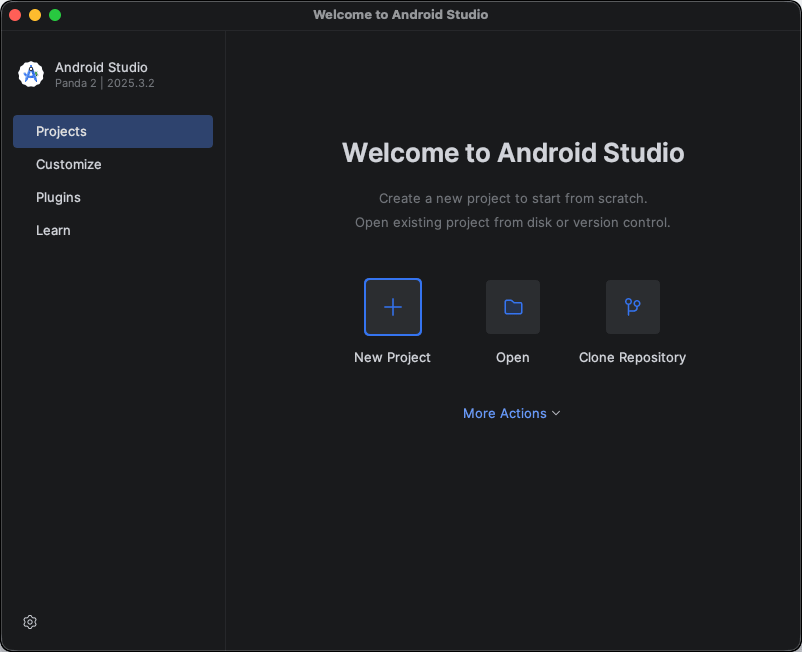
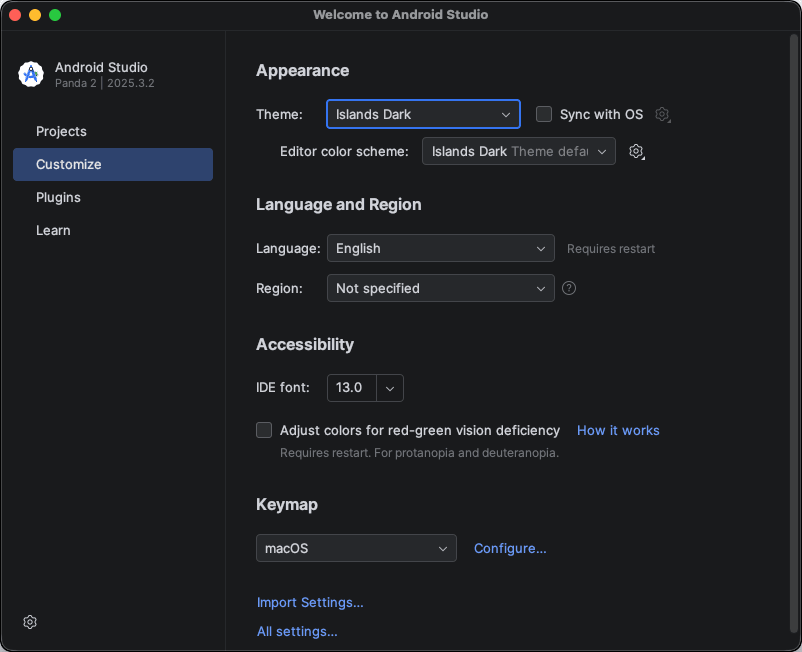
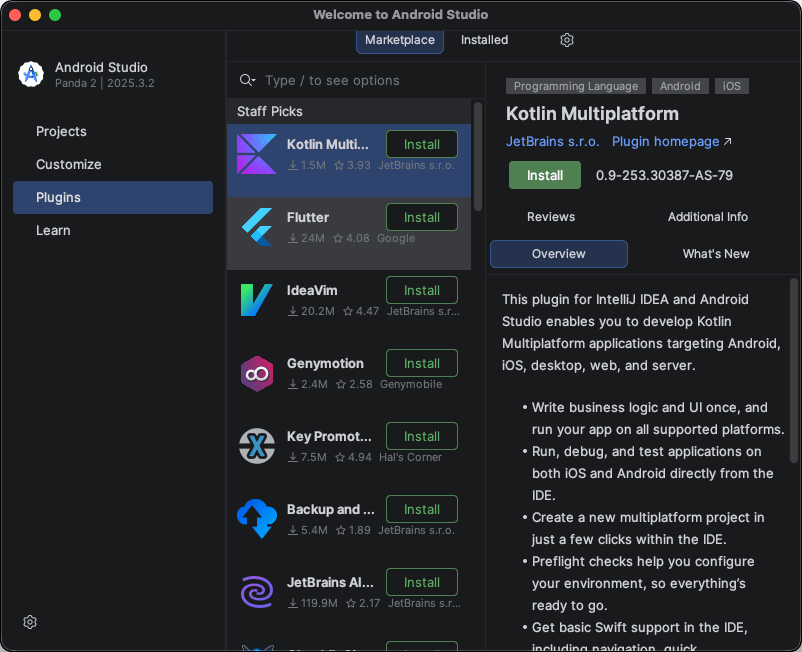
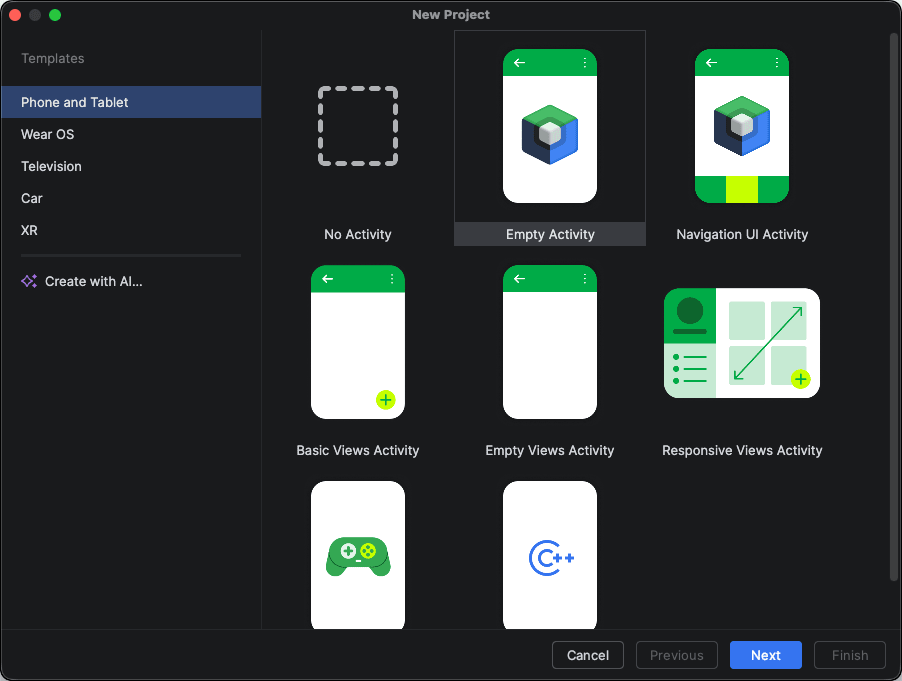
Android Studio is Google’s official IDE for Android app development, providing a complete environment tailored for macOS. It is built on JetBrains’ IntelliJ IDEA platform, and whether you are a beginner or an expert, this is the definitive starting point for building an Android app. It is feature-rich, incredibly powerful, and runs smoothly on modern Mac machines.
Whether you are developing your first Android app or are a seasoned developer who wants to manage the entire lifecycle from development to testing to deployment, Android Studio is the industry standard.
Smart code editing and IDE
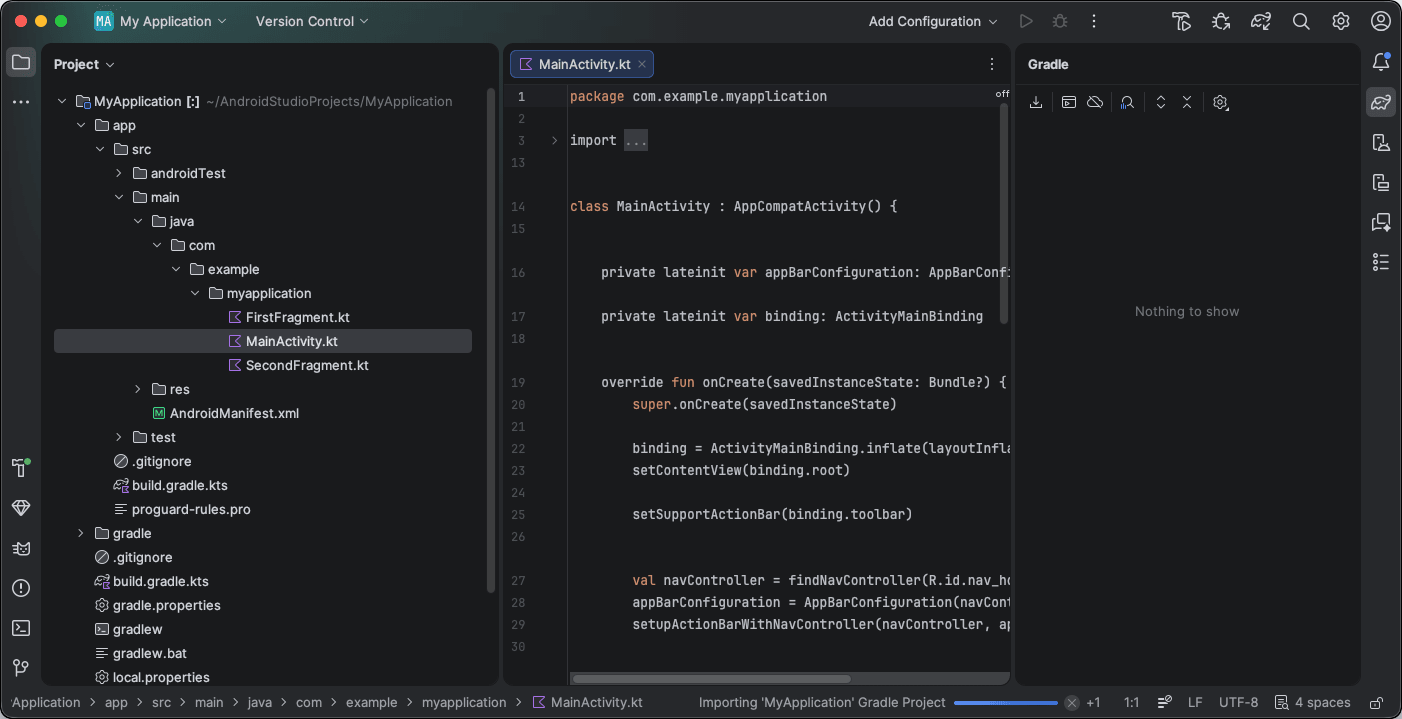
The core functionality of Android Studio is its intelligent code editor, powered by IntelliJ IDEA. With features like real-time code completion, syntax highlighting, and refactoring tools, it accelerates your development process. The editor understands Kotlin and Java natively, along with comprehensive support for C/C++ via the Android NDK. Google promotes Kotlin as the preferred language, but you can use any combination of these.
Moving beyond basic coding, the IDE offers code inspections, quick-fix suggestions, and embedded AI assistance, allowing you to manage entire projects within a single interface.AI integration
Google has deeply integrated Gemini within Android Studio. Gemini works quite well both as a coding assistant and in Agent Mode. In Agent Mode, it can perform tasks such as creating entire new projects, designing multi-screen apps, and building UI from screenshots.
While these AI tools are still relatively new, they continue to improve. The AI coding assistant offers code completions, generates code snippets, and provides explanations for your code. The most common use case for Gemini in the app is troubleshooting and debugging, which can help you analyze and fix errors. It can also automatically generate unit tests.Layout editor and UI design tools
Google has consistently improved Android Studio over the years. For traditional views, it includes a drag-and-drop layout editor that lets you visually design your app’s interface using a visual design view and a raw XML view. More importantly, it offers full support for Jetpack Compose, Android’s modern declarative UI toolkit, featuring live previews and interactive rendering directly from your Kotlin code. You can edit the code manually or use the visual interface, making it highly versatile.Android emulator and profiling tools
A vital feature of the IDE is the built-in emulator. It lets you test your app across almost any Android device configuration without needing a physical device. It is noticeably faster and more efficient on Apple Silicon Macs, thanks to ARM-native support, delivering a highly responsive testing environment.
You can see your changes in real time by testing them in the emulator. Profiling tools such as the CPU profiler, memory profiler, and network profiler help you identify memory leaks, performance bottlenecks, and inefficient network calls.A serious tool for serious Android development
Android Studio is a completely free IDE by Google. It may not be the lightest application on your Mac, but for Android developers, it is an essential tool with no equal in the ecosystem.